
Meta Search Product Add
A) Step First:
1. Go to the Haldiram website like https://www.haldirams.com/ in your web
browser.

2. Once you are on the homepage, click on the "Products" tab in the top menu
like sweet, beverage.
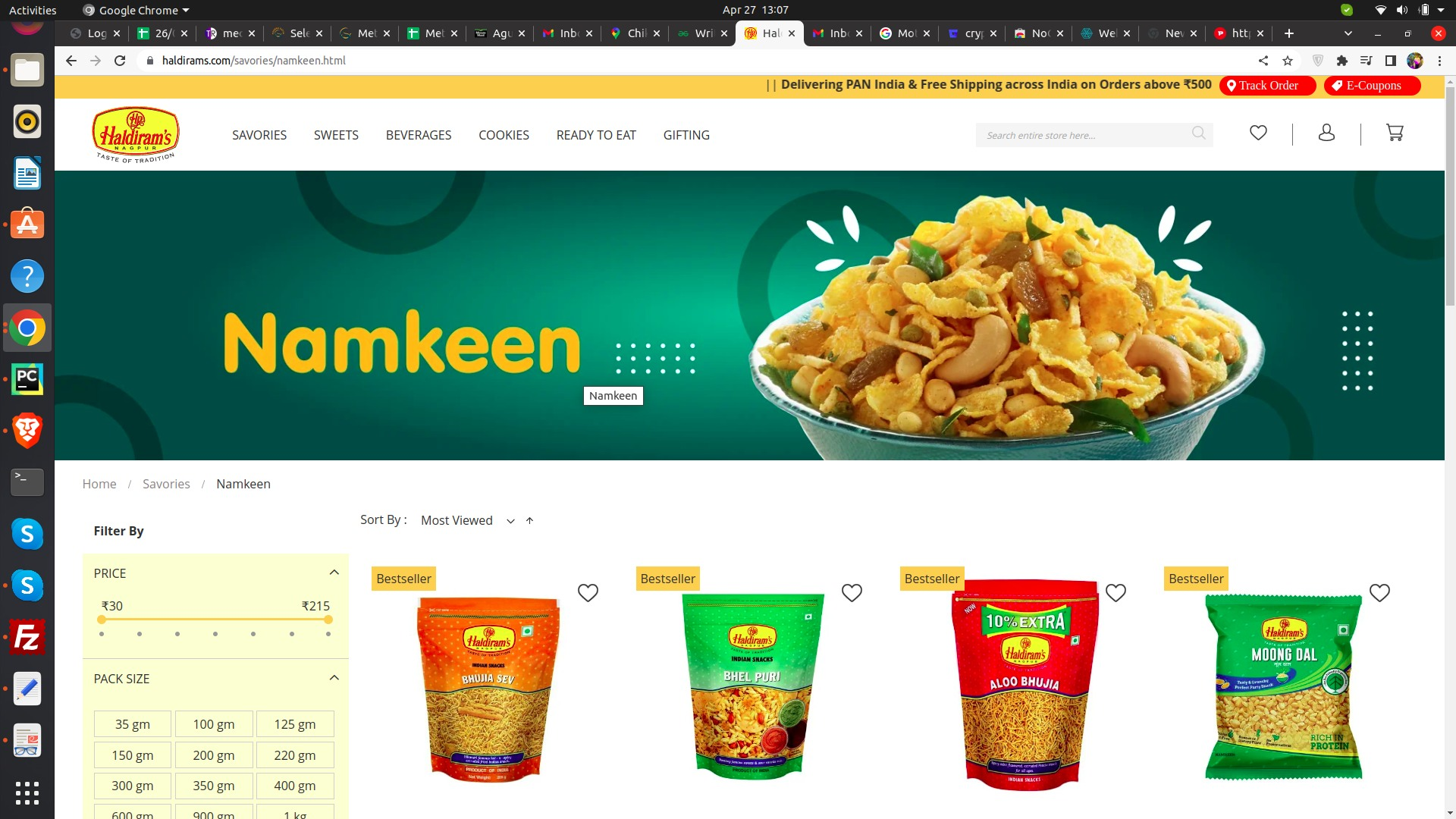
3. You will be directed to a page with various product categories such as biscuits,
sweets, snacks,
and more.
4. Click on the product category that you are interested in.
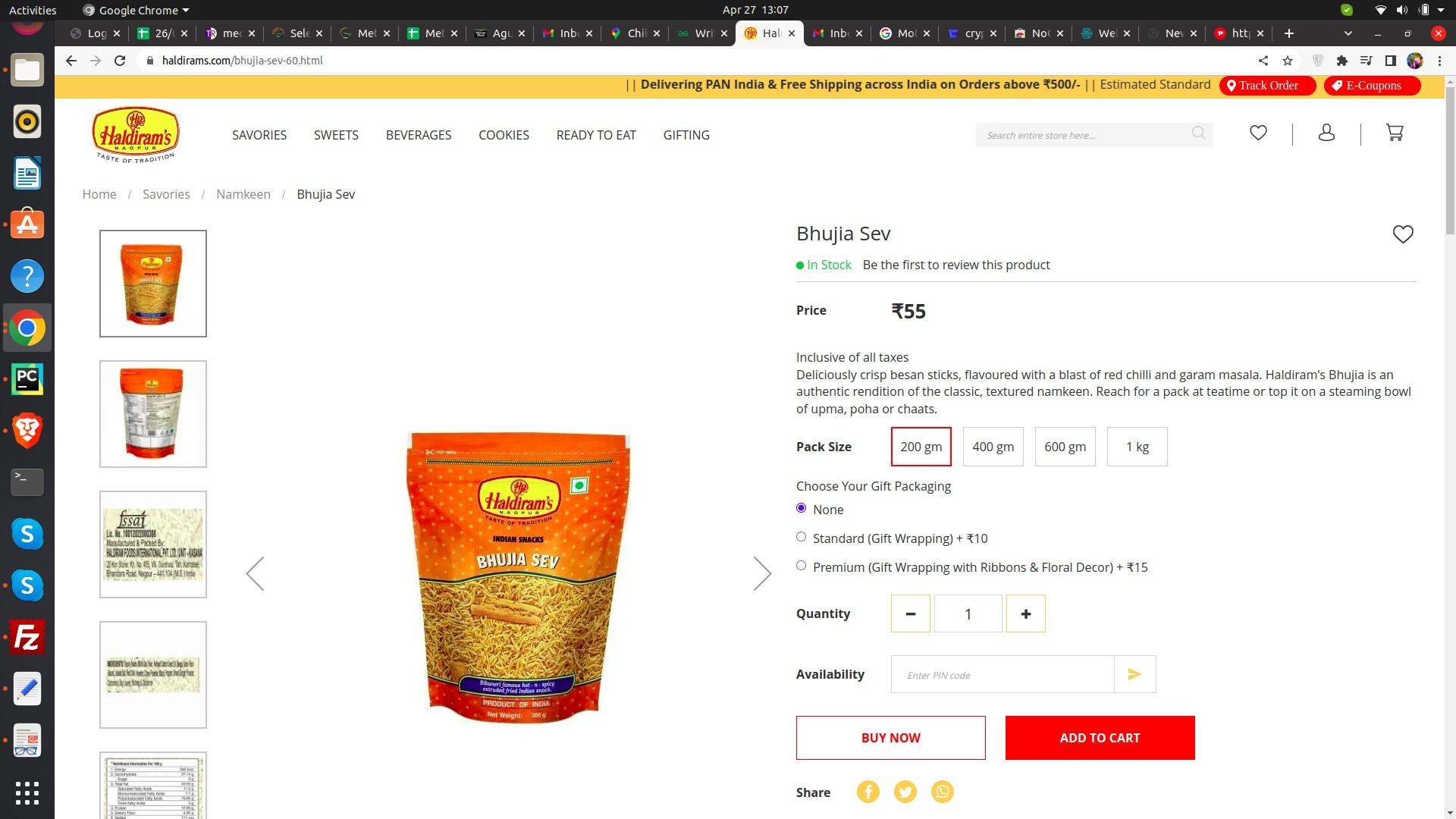
5. You will be shown a list of products under that category. You can scroll
through the list to find the
specific product you are looking for.
6. If you are still unable to find the product, you can use the search bar located
at the top of the page
to enter the product name or keywords related to the product.
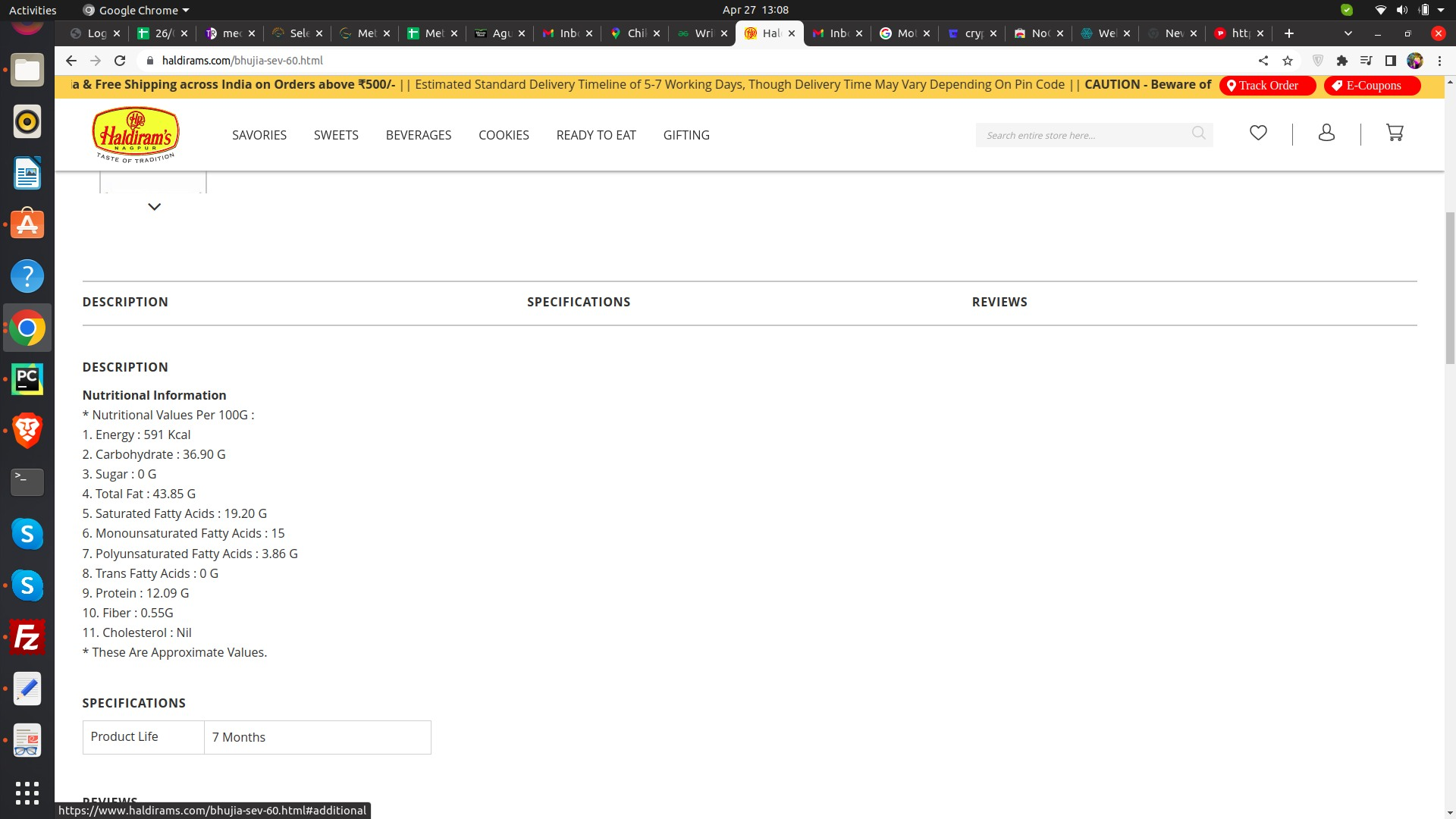
7. Once you find the product, you can click on it to view more information such
as ingredients,
nutritional information, and packaging details.
B) Step Two:
1. Go to this link--
"https://docs.google.com/spreadsheets/d/1g32BU7FflRYYrnJfVgtK2_
K5r1Co57HGcXpOm0j-TUU/edit#gid=0"
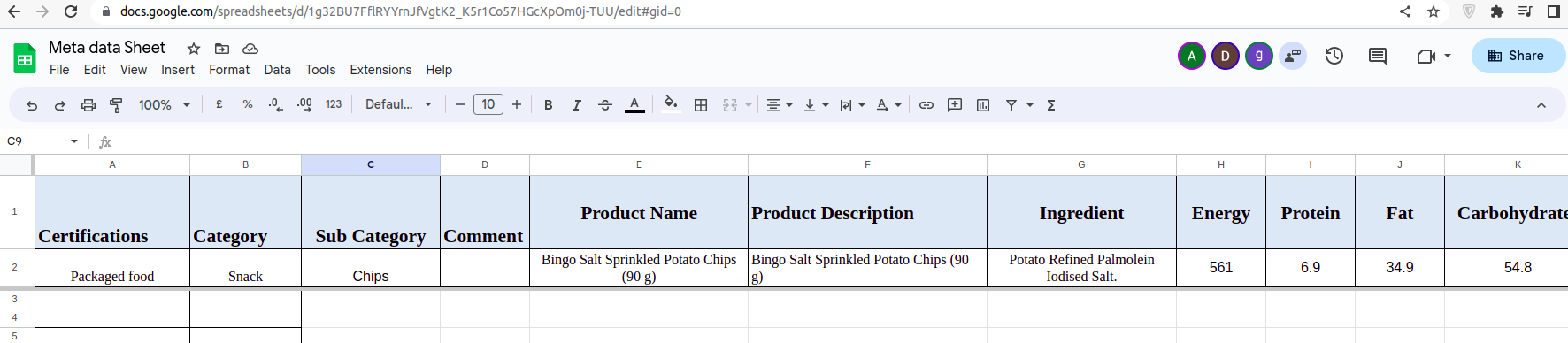
2. Check the header adn fill the detail from the website provive on step second.
3. Make sure this not on
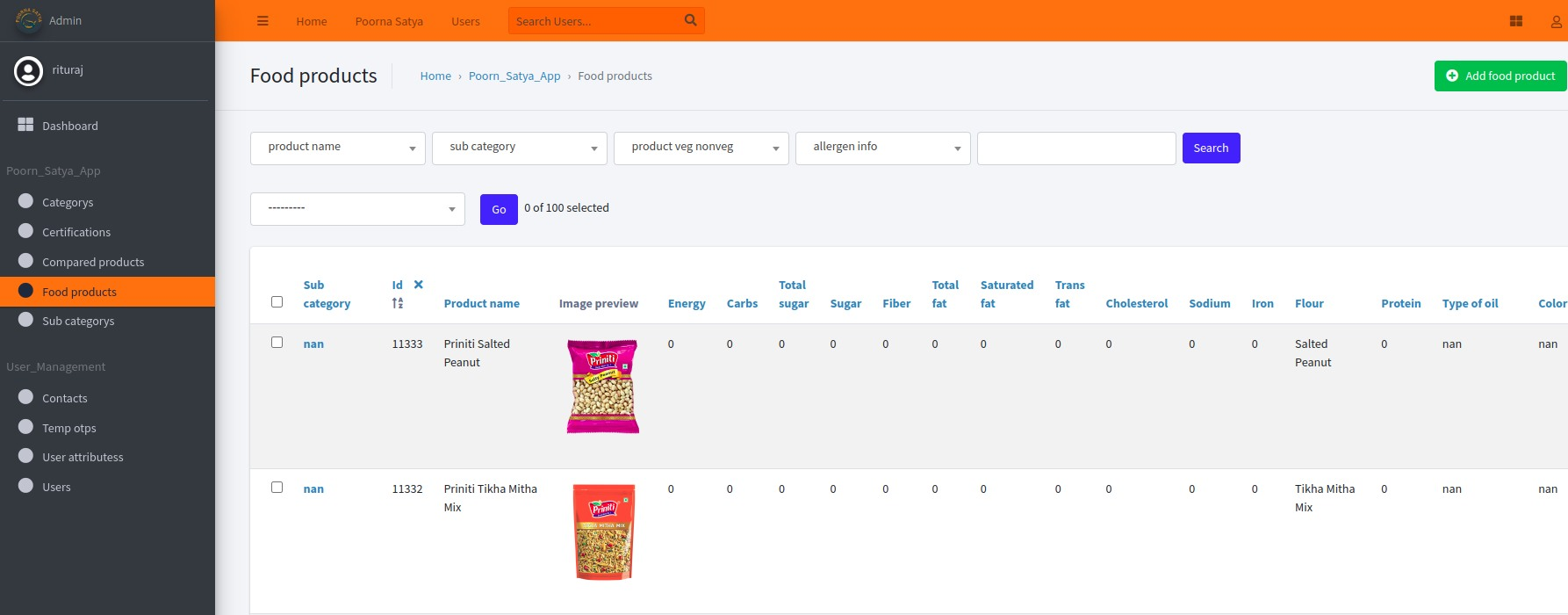
"https://meta.radixforce.com/admin/poorn_satya_app/foodproduct/"
then add.
No Comments