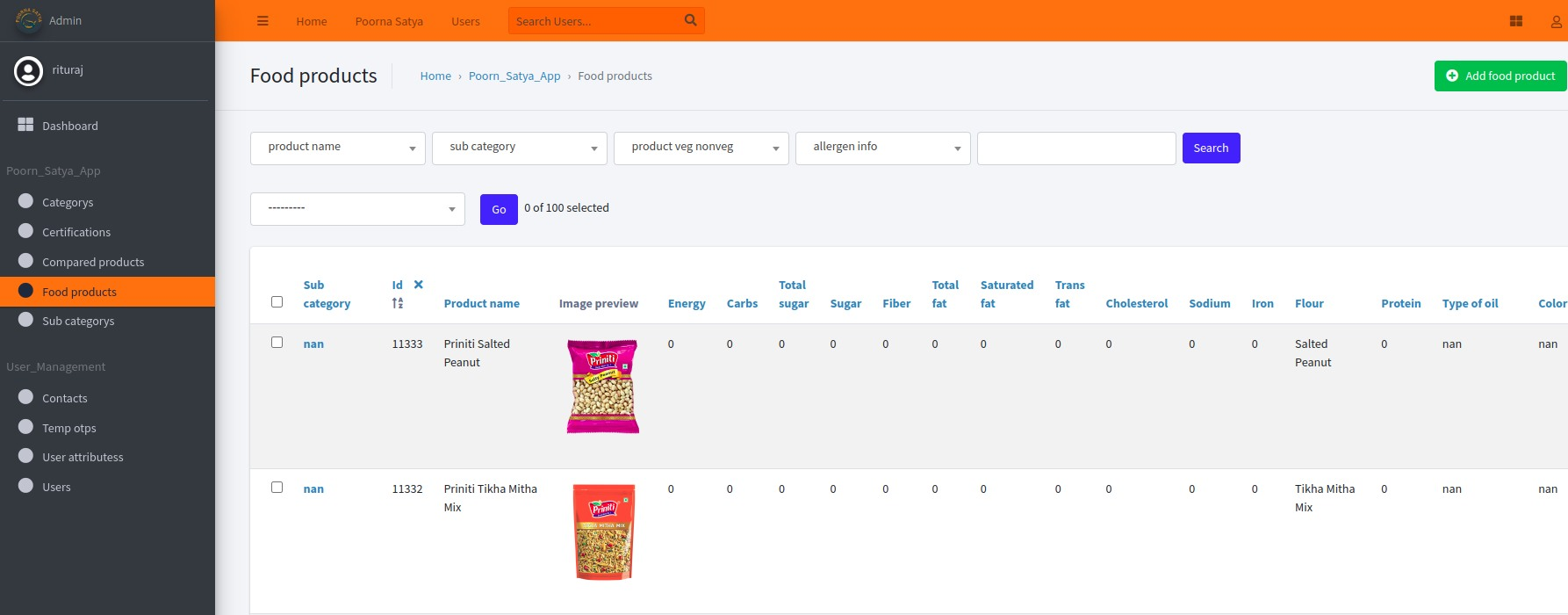
Guideline for adding product on metasearch...
Task flow - Guidelines
Additionally, if manual data scraping is required, where individuals copy and paste data into a sheet and upload it into an API, the following steps can be followed:
Data Collection:- Manually copy and paste the desired data into a spreadsheet, ensuring each data point is entered into the appropriate cell.
Data Formatting:- Ensure that the data in the spreadsheet is properly organized and formatted. This may involve separating data into different columns, applying consistent naming conventions, and addressing any inconsistencies or errors.
Saving the Spreadsheet:- Save the spreadsheet in a compatible format, such as CSV (Comma-Separated Values) or Excel.
Uploading to the API:- Access the desired API for data processing and uploading. Follow the API's documentation or guidelines to understand the required file format and upload method. Typically, APIs provide endpoints or interfaces for file upload and data ingestion.
Mapping Fields:- If necessary, map the fields in the spreadsheet to the corresponding fields or parameters in the API. This ensures that the data is correctly interpreted and processed by the API.
Initiating the Upload:- Initiate the upload process by selecting the file from the appropriate location on your computer and submitting it through the API's designated upload mechanism.
Meta Search Product Add
A) Step First:
1. Go to the Haldiram website like https://www.haldirams.com/ in your web
browser.
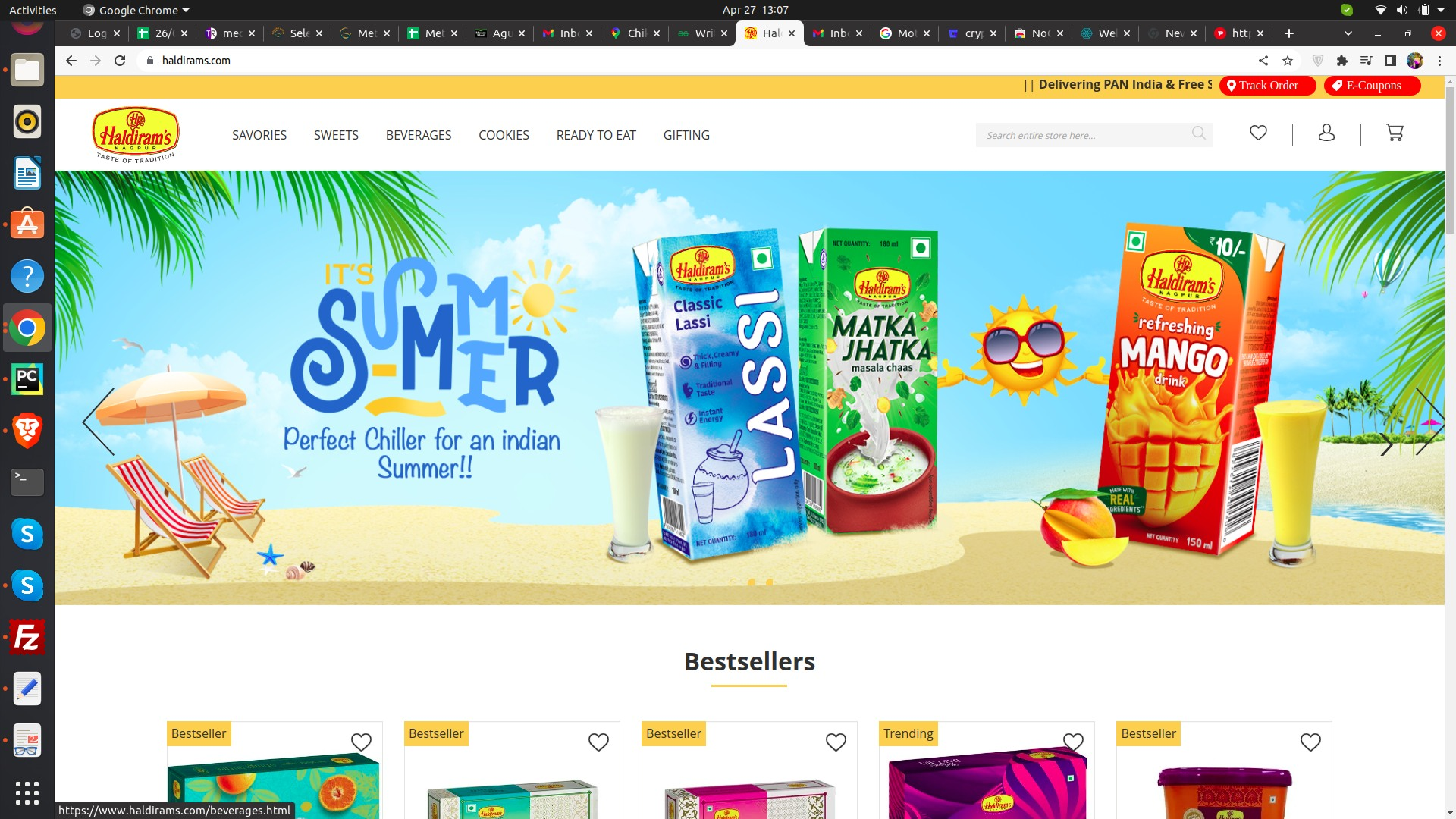
2. Once you are on the homepage, click on the "Products" tab in the top menu
like sweet, beverage.
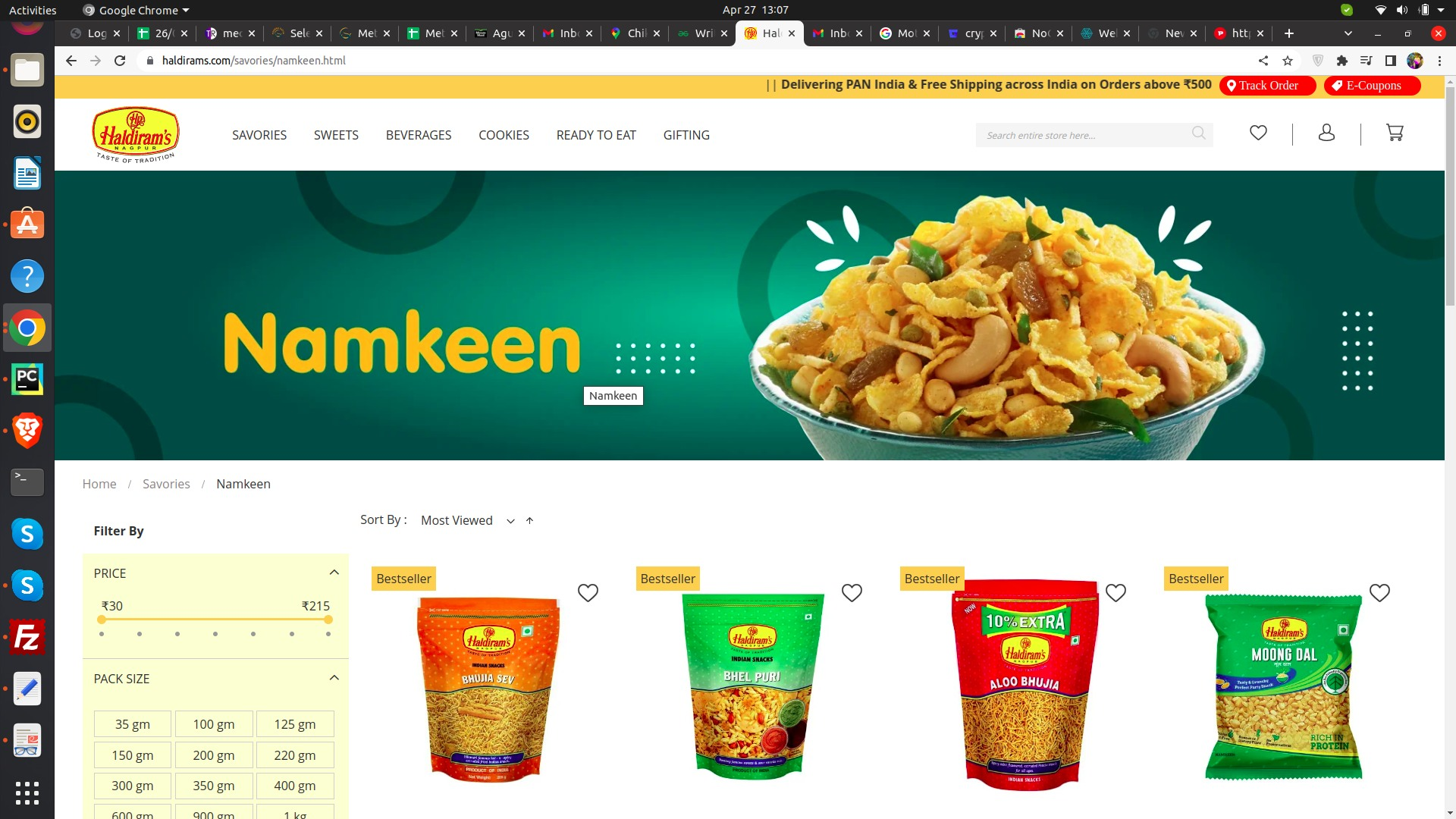
3. You will be directed to a page with various product categories such as biscuits,
sweets, snacks,
and more.
4. Click on the product category that you are interested in.
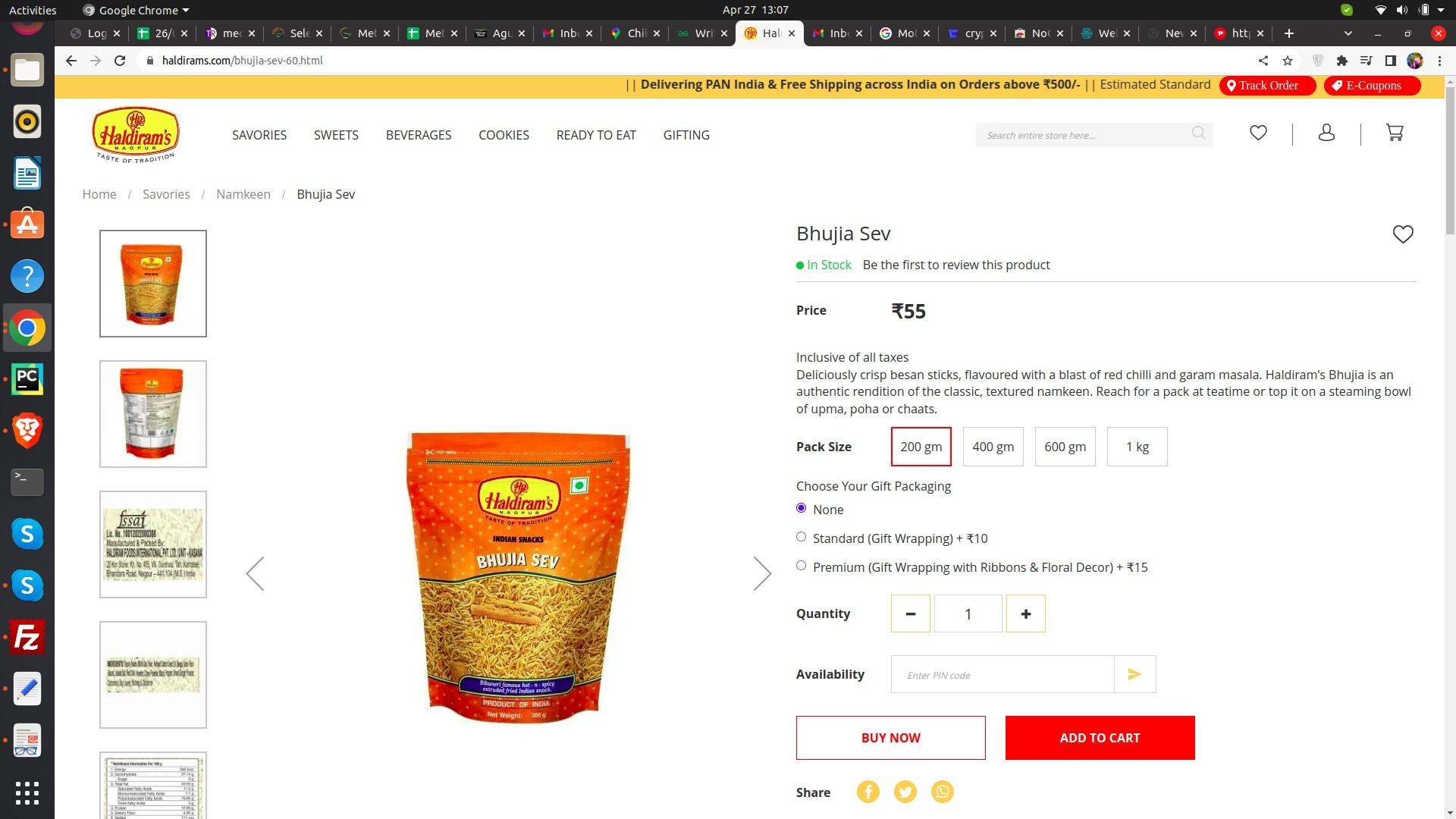
5. You will be shown a list of products under that category. You can scroll
through the list to find the
specific product you are looking for.
6. If you are still unable to find the product, you can use the search bar located
at the top of the page
to enter the product name or keywords related to the product.
7. Once you find the product, you can click on it to view more information such
as ingredients,
nutritional information, and packaging details.
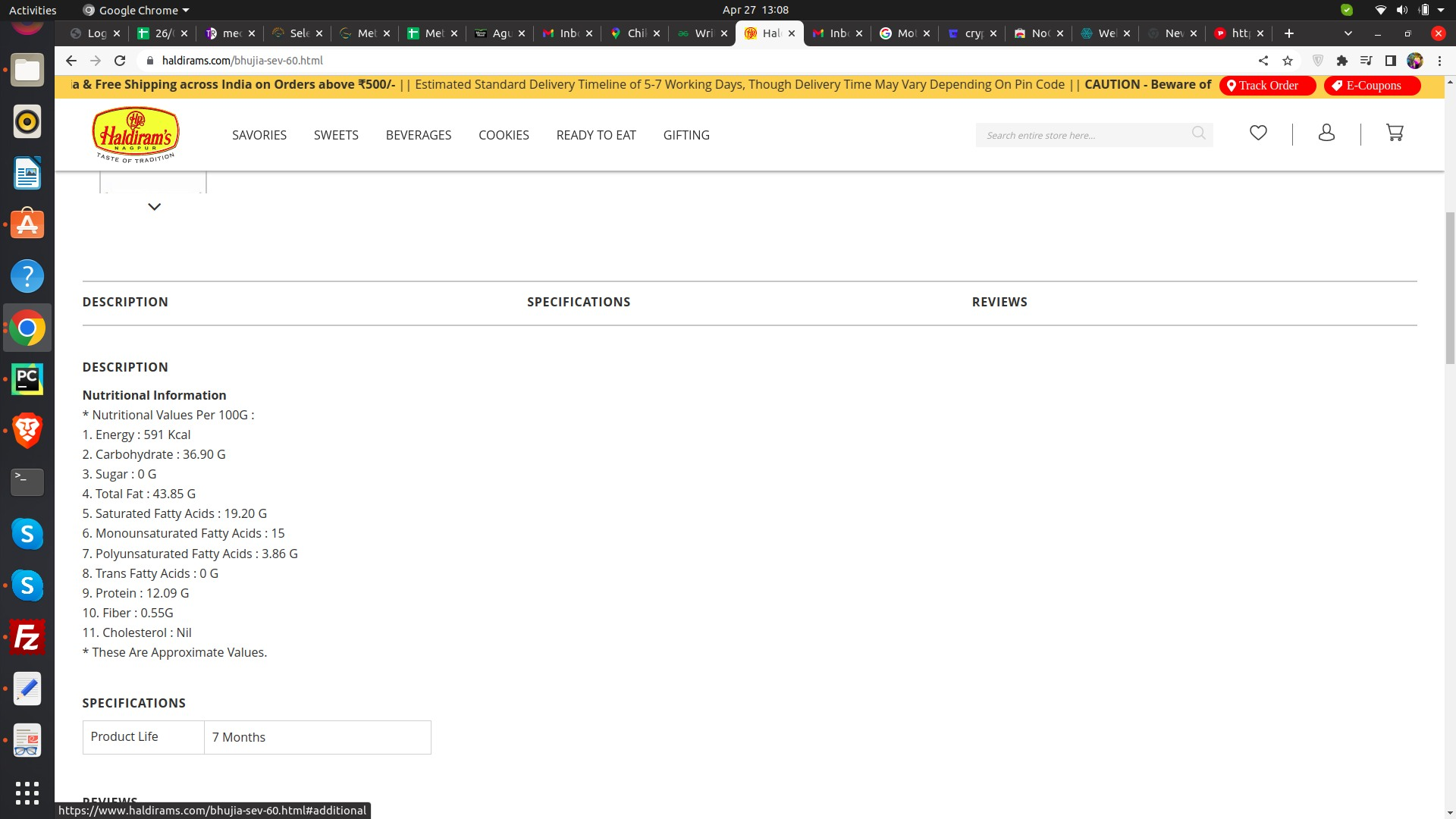
B) Step Two:
1. Go to this link--
"https://docs.google.com/spreadsheets/d/1g32BU7FflRYYrnJfVgtK2_
K5r1Co57HGcXpOm0j-TUU/edit#gid=0"
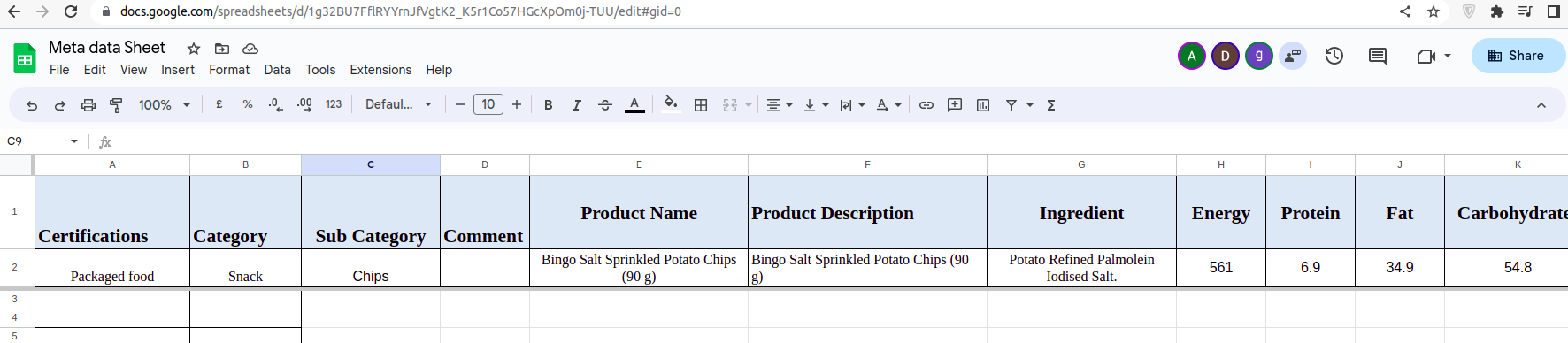
2. Check the header adn fill the detail from the website provive on step second.
3. Make sure this not on
"https://meta.radixforce.com/admin/poorn_satya_app/foodproduct/"
then add.